Mobile App · Grocery Delivery · 2020

Local Delivery Platform

A regional grocery chain was taking orders by phone and coordinating deliveries on WhatsApp. Everything worked — until volume grew. We built a two-sided mobile app: customers order and track in one app, riders accept and deliver in another, and the store runs it all from a single dashboard.
Client

Regional Grocery Chain (Kerala)

Category

Grocery & Fresh Produce Delivery

Scope

Customer App, Rider App, Admin Dashboard

Platform

Android first, iOS follow-up

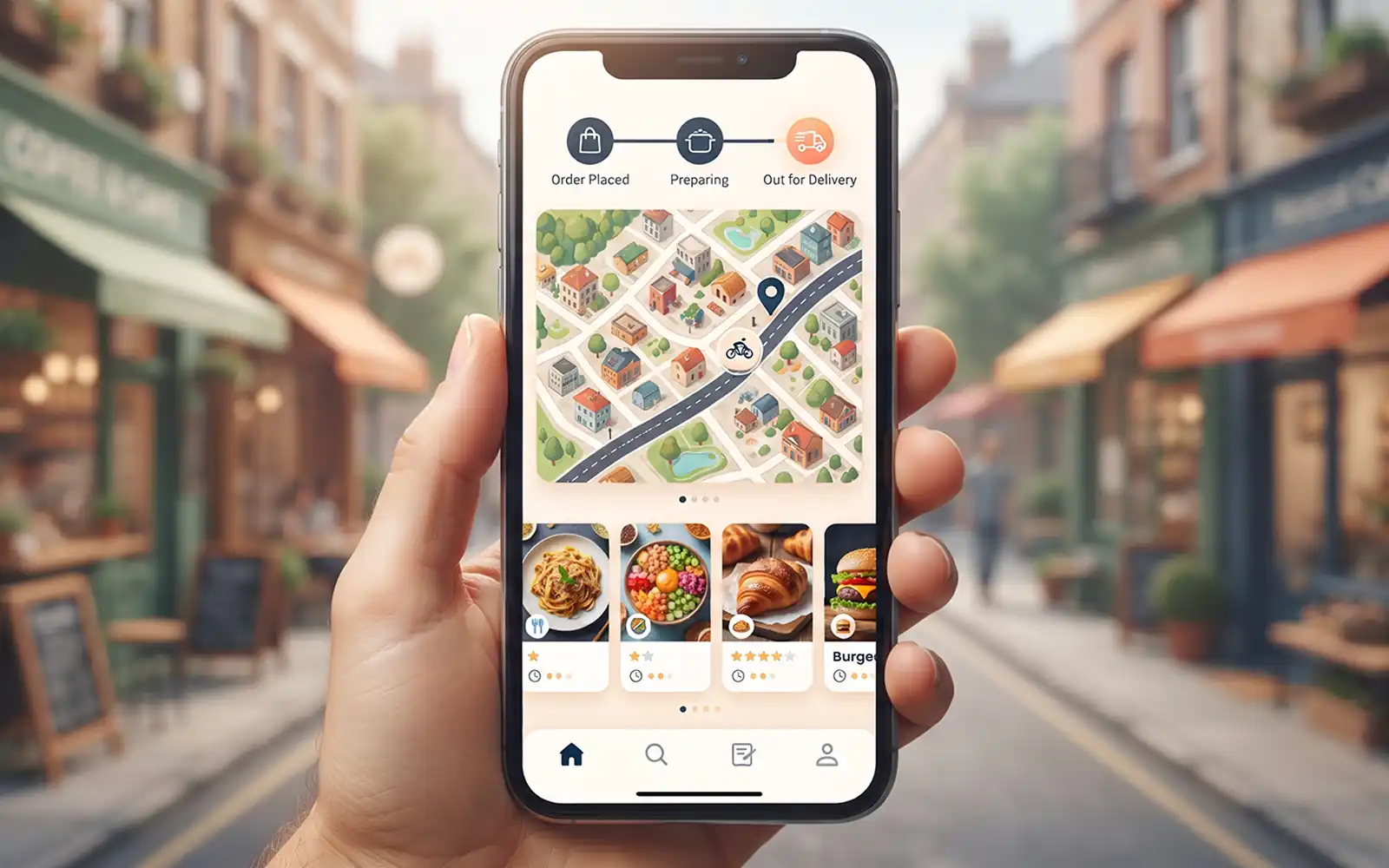
Local Delivery Platform customer app showing product catalogue and order tracking

The Problem

Phone orders and WhatsApp — fine at 20 a day. Chaos at 200.

The grocery chain had built a following in its town — fresh produce, fair prices, and delivery that was genuinely same-day because the riders were on their own payroll. Customers called the shop, listed what they wanted, and the delivery happened. It worked.

Then it scaled. Word spread beyond the neighbourhood. Regulars ordered more often. New customers tried them because a friend recommended it. The order volume that had been manageable at twenty a day became untenable at two hundred.

Three specific problems had become daily:

  • Order-taking was tying up the counter staff. Two people were spending most of their shift on the phone, writing down orders on paper, and reading them back for confirmation. The same staff were also meant to be serving walk-in customers and managing stock.
  • Rider coordination was WhatsApp guesswork. Once an order was packed, the manager sent a message to the rider group — "anyone near [address]?" — and waited for someone to claim it. No visibility into who was where, how many deliveries each rider was already carrying, or whether the promised slot was realistic.
  • Customers had no idea where their order was. The most common phone call was "is my order coming?" — a question the shop couldn't answer reliably. That call was eating into the same staff time that order-taking already needed.

The chain didn't need a marketplace or a gig platform. They needed a private app for their own customers, their own riders, and their own store — something that fit how they already worked, just faster.

Part One — Customer App

Browsing, ordering, and tracking — in the app they already had open.

The customer app was designed for one thing: make ordering faster than a phone call. Every screen was tested against that. If placing an order took longer than dialling the shop and reading out a list, the app had failed.

Category-First Catalogue

Products organised by how a household actually shops — vegetables, fruits, dairy, staples, snacks, household — not by aisle or supplier. A regular can find and add the same weekly items in under two minutes, using the "Reorder" feature.

Smart Cart

Quantities adjust in-place, weights are handled in kg for produce, and the cart totals update live. The minimum order value and delivery slot availability are checked as the cart is built — before checkout, not after.

Delivery Slot Selection

Customers choose from the store's available same-day slots — morning, afternoon, or evening — with the cut-off time for each shown clearly. The system doesn't accept orders it can't fulfil; slots that are full or past their cut-off are greyed out.

Real-Time Order Tracking

Once the order is confirmed, the customer sees its status change from Packed → Out for Delivery → Arriving Soon → Delivered. No map with a moving dot to obsess over — just an honest status that tells them whether to expect the order in five minutes or fifty.

Multiple Payment Options

Cash on delivery, UPI, and card — all supported. The store's preference for cash-heavy customers was respected, while customers who wanted to pay online could do so without changing where they shopped.

Reorder & Favourites

Weekly staples become a single tap. Customers who order the same 15 items every week can reorder the entire basket, adjust quantities, and check out in under a minute. This became the most-used feature in the app after the first month.

Part Two — Rider App

Riders know where to go and what to do. No more WhatsApp groups.

The rider app is deliberately minimal — it has to work in the back of a moving bike, in one hand, in bright sun. Every action takes a single tap. Every screen fits on one page without scrolling.

Incoming Order Offers

When a delivery is ready, the system offers it to the nearest available rider — based on the rider's current location and how many deliveries they're already carrying. The rider accepts or declines with a single tap. No group messages, no "anyone near…?".

Turn-by-Turn Navigation

Each delivery comes with a built-in navigation view — the store address, the customer address, and the fastest route between them. Riders don't need to switch to a separate maps app, which means they don't lose the delivery context when they do.

One-Tap Customer Call

If the address is unclear or the customer isn't picking up at the door, the rider calls from inside the app — no number to search for, no personal number leaked between rider and customer.

Payment Collection

For cash-on-delivery orders, the rider records the amount collected in the app, with the exact change due shown on screen. No mental arithmetic at the door, no end-of-day reconciliation between the shop and the rider.

Rider's Own Dashboard

Each rider sees their own deliveries completed, distance covered, and daily payout — transparent and settled at the end of every shift. Removes a whole category of weekly disputes about who delivered what.

Low-Data, Low-Battery Design

The rider app works on patchy connections and holds state through brief disconnects. Data use is minimal by design — a full shift uses under 50MB — because riders pay for their own mobile data and shouldn't need an expensive plan to work.

Part Three — Admin & Inventory Dashboard

The store runs the whole operation from one screen.

The dashboard is where the store manager spends their day. It has to show everything that matters, hide everything that doesn't, and never require the manager to open a second tab to get a complete picture of the store.

Live Order Board

Every active order appears on one board, moving through its lifecycle — New, Packing, Ready, Assigned, In Transit, Delivered. The manager sees at a glance which orders are running late, which riders are overloaded, and where the bottleneck is right now.

Product & Stock Management

Products are added, edited, priced, and categorised from the dashboard. Stock levels update as orders are placed, and items that go out of stock are automatically hidden from the customer app so customers don't order what the store can't fulfil.

Rider Management

Riders are onboarded, activated, and monitored from the same dashboard. The manager sees every rider's current status — Available, On Delivery, Off Shift — and can manually reassign a delivery if the automated offer isn't accepted in time.

Delivery Slot Configuration

The manager defines delivery slots — the times available for same-day delivery, the cut-off for each, and the maximum orders per slot. If the store is short-staffed on a particular day, the manager can reduce capacity for that day without touching code.

Sales & Delivery Reports

Daily sales, order counts, average basket size, top-selling items, delivery time averages, and rider performance — all reportable by day, week, or month. The store owner sees the same numbers they used to write down by hand, but accurate and instant.

Customer Notifications

Mass messages to customers — new offers, holiday schedules, out-of-stock alerts — through the same notification channel the app uses for order updates. A single tool for everything the store needs to say to its customers.

What Changed

The store kept its model. It just stopped breaking under volume.

2

Counter staff freed from phone duty — back on the floor and on stock

0

"Where is my order?" phone calls — the status is in the app

5x

Order capacity — the same team handling five times the volume

The chain still uses its own riders, still delivers same-day, and still keeps its prices where they are. What changed is that they can do it at scale — without hiring an office team to replace the phone work, and without giving up a cut of every order to a marketplace app.

We didn't want to be on someone else's app and hand over a commission on every order. This let us keep our own customers, our own riders, and our own rules — and still grow past what we could handle on phone calls.

Regional Grocery Chain — Kerala

Related Work

Outgrown phone orders
and WhatsApp coordination?

We build two-sided apps for retailers who want to keep their own customers — without a marketplace taking a cut of every order.